
Launch Your First Website Easily
Deploy your business website from scratch: domain, hosting, design, contact form, SEO & more. Beginner-friendly, hands-on training for business owners and freelancers.
Website Setup Mastery Program
Designed for those looking to establish a strong online presence.
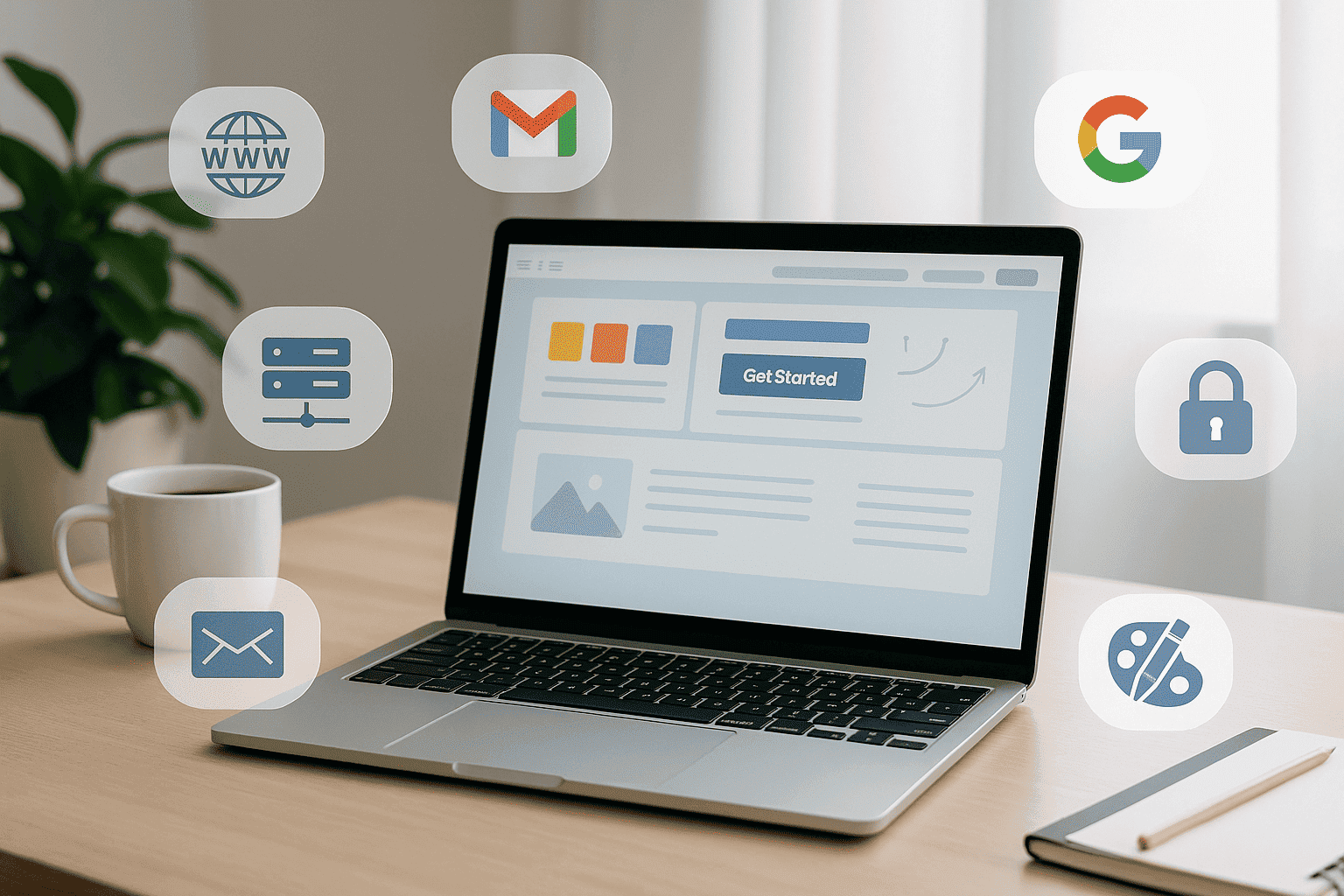
In this course you’ll learn to choose a domain, set up hosting, select a template, design & develop your site, connect contact forms, implement basic SEO, set up business email (GSuite/Zoho), and get your social media ready for marketing.
What You Will Learn
1. Domain selection & hosting setup Basics
2. Template/theme installation & design basics
3. Logo setup and branding alignment
4. Web development: pages, contact form
5. Basic SEO setup for launch
6. SEO Basics
7. Business email configuration (GSuite or Zoho Mail)
8. Social media profile setup (Facebook, Instagram, YouTube, LinkedIn)
Course Format (Beginner Level)
Duration: 2 Weeks (10 Live Sessions)
Type: Online Live Classes
₹8,999
- Online / Live Introductory Training
- Beginner-Friendly Sessions
- Practical Demonstrations
- Worksheets & Templates
- Certificate of Completion
You will Learn
Simple, practical, beginner-friendly lessons to help you understand how digital marketing works.
Domain Setup
Learn how to choose the right domain name, register it professionally, and connect it to your hosting without errors.
Hosting Setup
Understand how hosting works and learn step-by-step how to set up your server, connect DNS, install SSL, and prepare your site for launch.
Website Template & Design
Choose the perfect template, customize your layout, add pages, and build a clean, professional website — even if you're not a designer.
Logo & Branding Essentials
Learn how to create a simple brand identity — logo, colors, fonts, and consistent styling for your website and social media.
Contact Form & Integrations
Set up contact forms, email notifications, thank-you pages, and connect them with Gmail, Zoho, or CRM tools.
Basic SEO Setup
Optimize your website for search engines with proper keywords, meta tags, sitemaps, fast loading, and mobile-friendly pages.
Frequently Asked Questions
Will I learn how to buy a domain and set up hosting?
Yes. We teach you domain selection, DNS setup, hosting configuration, and connecting everything step-by-step
Do I need technical knowledge to build a website?
No. This course is designed for absolute beginners. Everything is explained in simple, practical steps.
Will I learn how to design a complete website?
Yes. You will learn theme installation, template selection, page design, branding, fonts, and layout creation.
Do you teach how to connect contact forms and emails?
Yes. You’ll learn how to connect forms to Gmail, GSuite, or Zoho Mail, and how to test everything before launching.
Is SEO included in this course?
Yes. You’ll learn basic SEO setup such as meta tags, indexing, speed optimization, alt tags, and structure.
Will I also learn to set up social media profiles?
Yes. We guide you in setting up Facebook, Instagram, LinkedIn, and YouTube to match your brand identity.
Will I learn how to add Pixel or Analytics to the website?
Absolutely. We teach Meta Pixel, GA4 setup, basic tracking, and how to test if everything is working correctly.
What will I be able to do after completing this course?
You’ll be able to build your own website, set up business emails, integrate social media, add tracking, and make the website fully marketing-ready.
Do I need to purchase hosting or domain for practice?
It’s optional. You can use your own domain/hosting OR practice on our demo environment.
Ready to Launch Your Business Website?
Start your journey today and build a professional online presence that drives growth.